Are you ready to get your WordPress site up and running in minutes with Bluehost?
Follow the steps below and you’ll be an online rockstar in no time!
Step #1:
-
Click Here To Set Up Your Hosting Account & Aquire or Transfer Your Domain…
Your hosting account is where your website will be hosted and your domain is your website’s URL (economicrockstar.com is mine).
My #1 hosting recommendation is Bluehost because:
- They are a proven hosting company, hosting over 2 million websites.
- Their customer support is one of the best out there.
- One touch WordPress installation – setting up your website in 4 minutes.
- Their prices are the best (and they even buy your domain for you!).
Step #2:
-
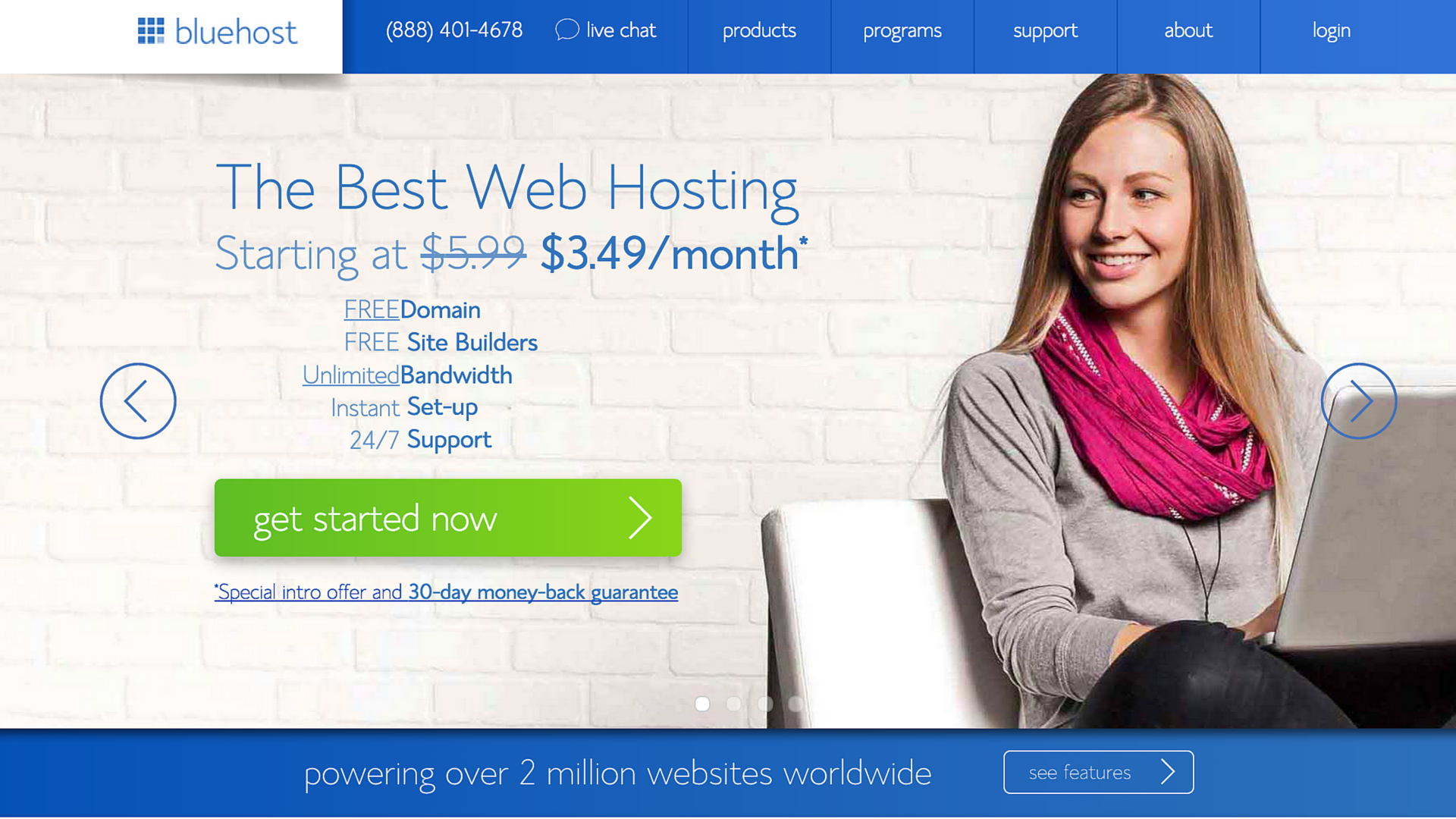
Click here & click the green ‘get started now’ button…
Step #3:
Step #4:
-
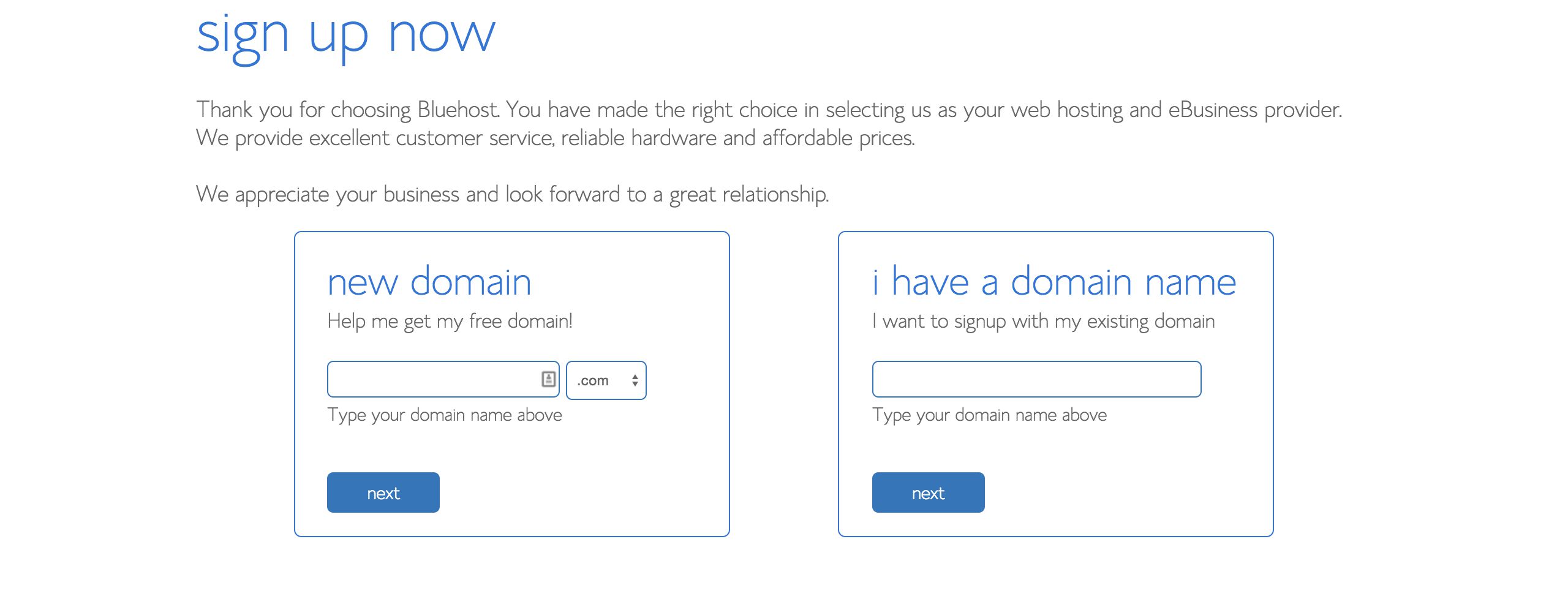
Choose your free domain name or transfer your current domain…
Step #5:
-
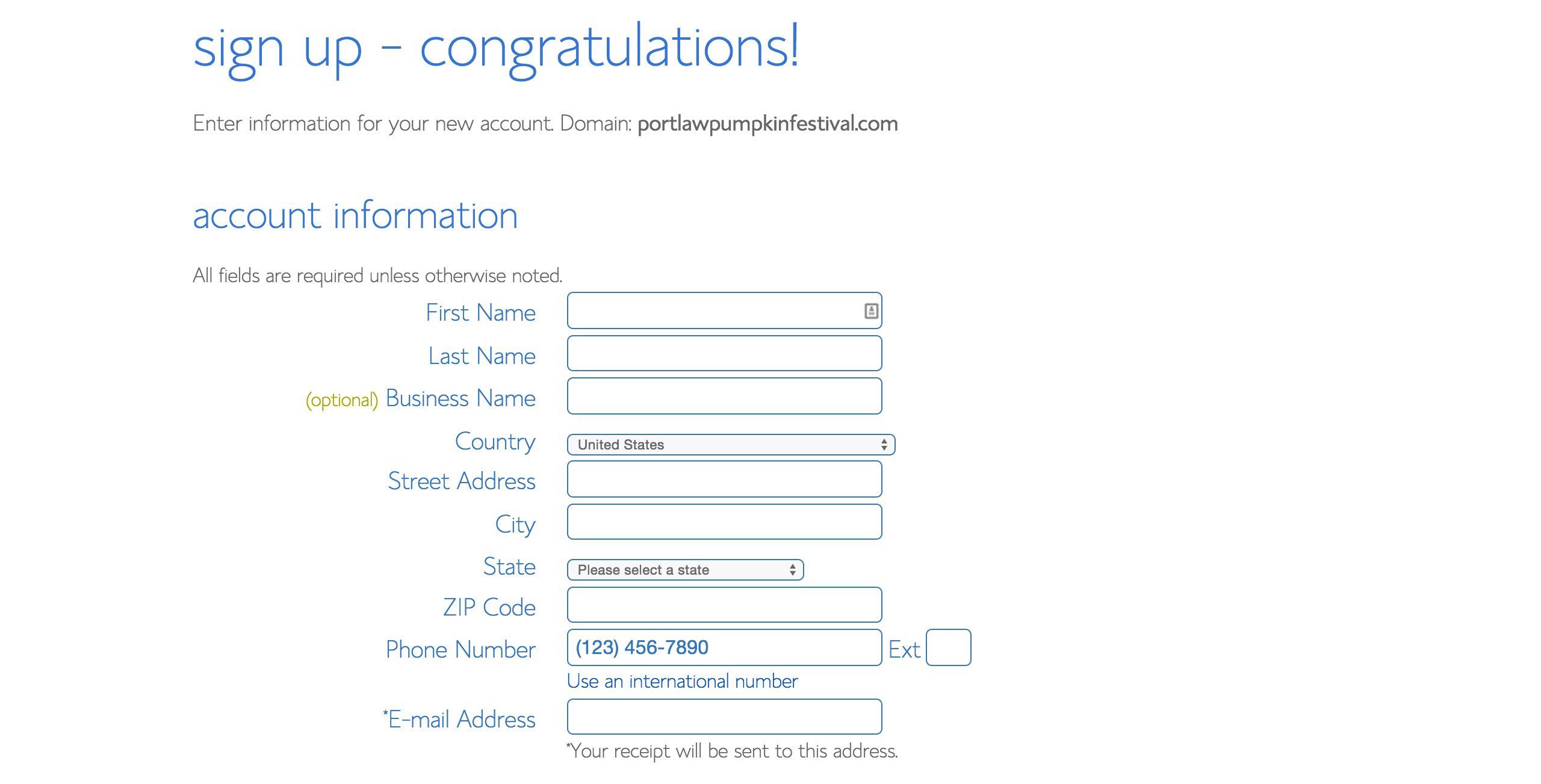
Place your order and pay for your plan…
Step #6:
-
Bluehost will email your login information.
-
Login to Bluehost, and you’ll be taken to your Bluehost dashboard.
-
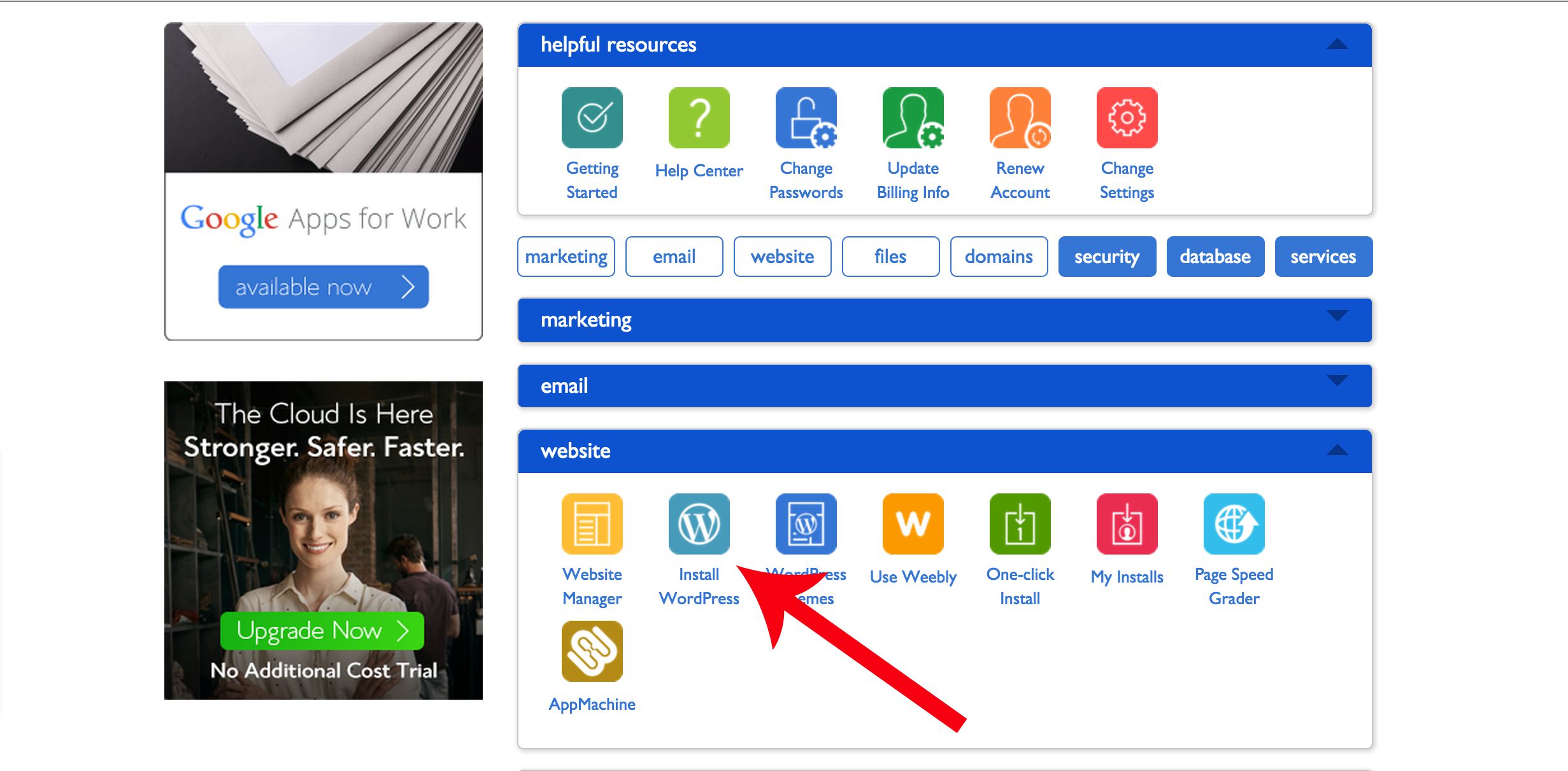
Here, you can install WordPress by double-clicking on ‘Install WordPress’…
Step #7:
-
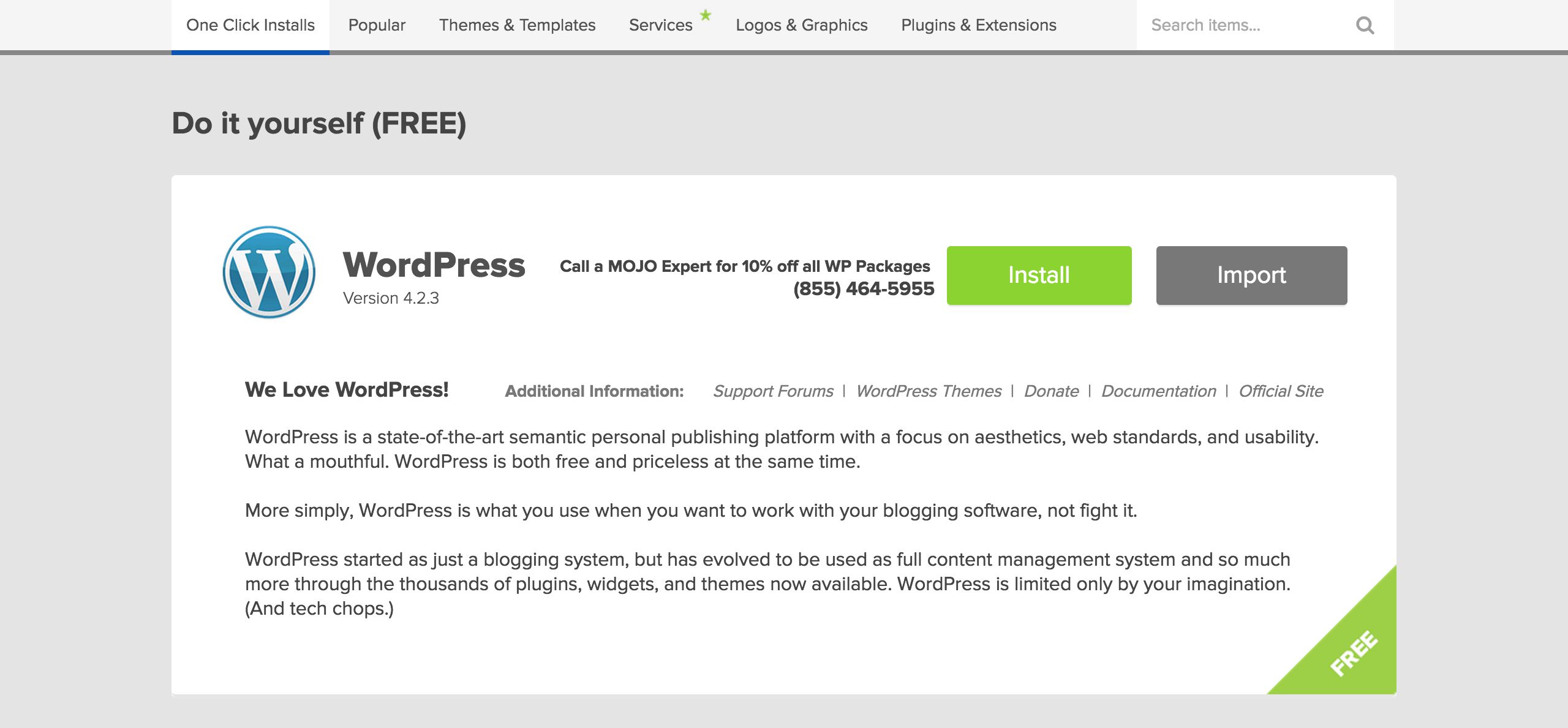
Click the the green Install button…
Step #8:
-
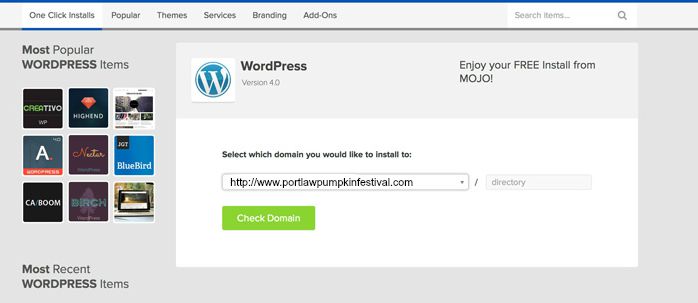
Choose the domain you registered or the one you transferred…
Step #9:
-
Check the ‘Show advanced options’ box.
-
Fill in the title, username, and password. Your title will be the name of your website (mine would be economicrockstar). The username and password will be what you use to login to the backend of your website (your WordPress dashboard).
IMPORTANT: Save this information somewhere where you won’t lose it. You will need it for step #11

Step #10:
-
Bluehost will install WordPress on your server and let you know when it’s complete…

-
Click the ‘View Credentials’ button on the top right…

Step #11:
-
Click on ‘Admin URL’ (located below the green box) and enter your WordPress login credentials from step #9. This will take you to your WordPress dashboard. Your WordPress dashboard is where you will do almost everything on your blog. From writing articles to changing design…

Congratulations! You’re ready to rock your content!
Bluehost Affiliate Link
Disclosure:
The link above is an affiliate link which means that if you choose to make a purchase, I will earn a commission. This commission comes at no additional cost to you. Please understand that I have experience with Bluehost, and I recommend them because they are helpful and useful, not because of the small commissions I make if you decide to buy something. Please do not spend any money on these products unless you feel you need them or that they will help you achieve your goals.
 Fundamental Analysis of Tesco and Facebook: A Case Study
 The Breadwinner: Pavarna – A Heroine to All Girls Symbolizing Self-Empowerment and the Fight Against Oppression and Inequality
 How to Calculate Statistics Using Excel
 The Maths Factor: Give the Gift of Math
 Economic Rockstar Guests on TED
 Protected: Bitcoins as Discussed by Bitcoin Girl, Naomi Brockwell, in Episode 009
 Conor McGregor is Homo Economicus: I’m Going To Whoop His Ass